
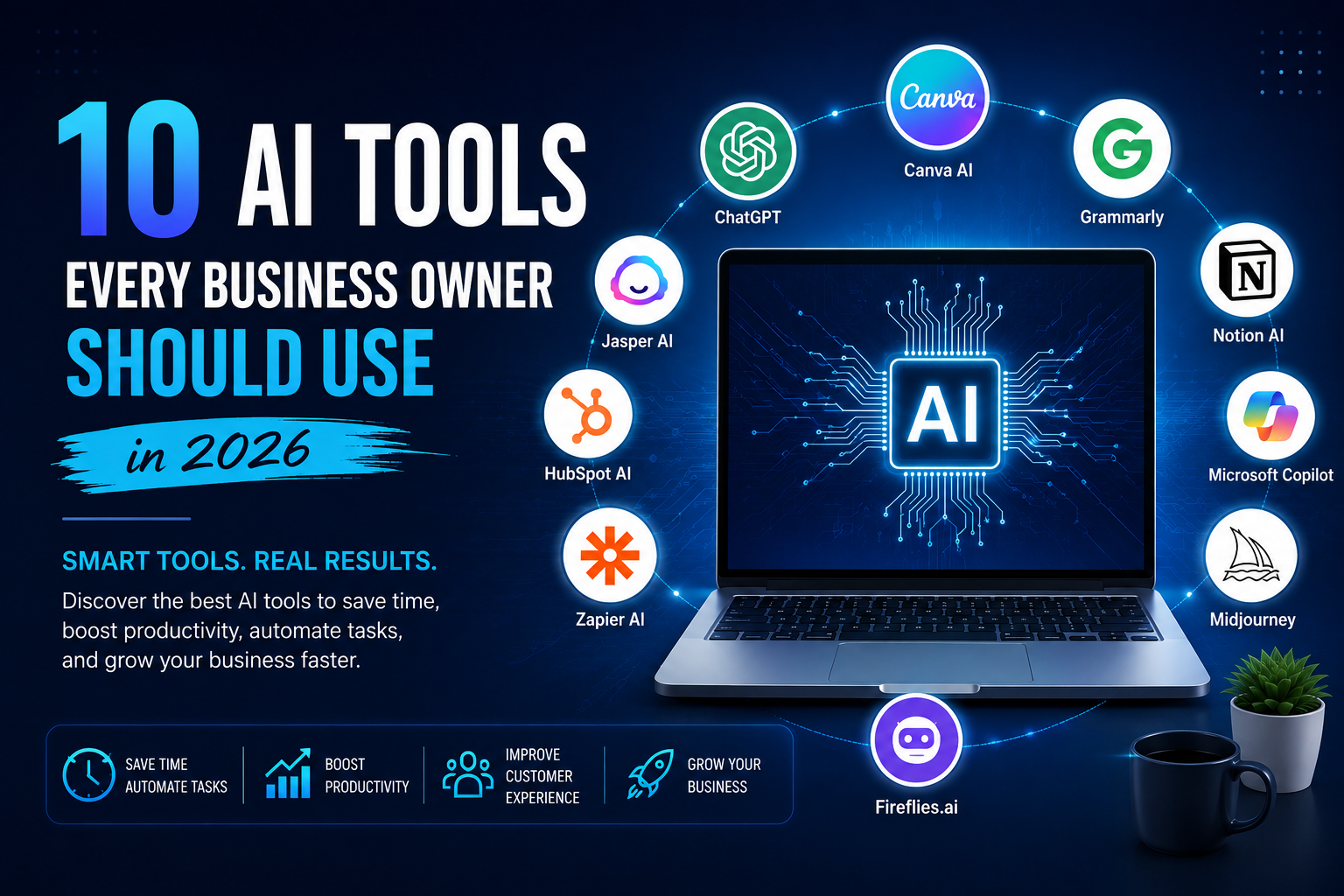
Artificial Intelligence (AI) is no longer a futuristic concept—it has become an essential part of running a successful business. From automating repetitive tasks to creating marketing content and improving customer support, AI is helping businesses of every size work smarter and grow faster.
Whether you’re a startup founder, a small business owner, or managing an established company, the right AI tools can save hours of work every week while increasing productivity and reducing costs.
In this guide, we’ll explore ten of the most valuable AI tools every business owner should consider using in 2026.
Why AI Matters for Businesses
Businesses today face increasing competition, higher customer expectations, and the need to deliver faster results with limited resources. AI helps by:
- Automating repetitive tasks
- Improving customer experiences
- Creating marketing content quickly
- Analyzing business data
- Increasing employee productivity
- Reducing operational costs
- Supporting better business decisions
Companies that embrace AI are often able to innovate faster and respond more effectively to changing market demands.
1. ChatGPT – Your AI Business Assistant
ChatGPT is one of the most versatile AI tools available today. It can help businesses write emails, create marketing content, answer customer questions, brainstorm ideas, generate reports, and even assist with coding.
Best For:
- Content writing
- Customer support
- Business planning
- Research
- Marketing copy
2. Canva AI – Professional Design Made Simple
Creating professional graphics no longer requires advanced design skills. Canva AI helps businesses produce social media posts, presentations, flyers, logos, advertisements, and branded visuals in minutes.
Best For:
- Social media graphics
- Presentations
- Marketing materials
- Brand design
3. Grammarly – AI Writing Assistant
Professional communication is essential for building trust. Grammarly uses AI to improve grammar, clarity, tone, and readability across emails, reports, proposals, and website content.
Best For:
- Business emails
- Website content
- Documentation
- Professional communication
4. Notion AI – Smarter Team Collaboration
Notion AI combines note-taking, project management, and AI assistance into one platform. Teams can summarize documents, generate meeting notes, organize projects, and streamline workflows.
Best For:
- Project management
- Documentation
- Team collaboration
- Knowledge sharing
5. Microsoft Copilot – AI for Everyday Work
Microsoft Copilot integrates AI into Word, Excel, PowerPoint, Outlook, and Teams. It can summarize meetings, analyze spreadsheets, draft documents, and automate repetitive office tasks.
Best For:
- Office productivity
- Data analysis
- Document creation
- Business communication
6. Jasper AI – Marketing Content at Scale
Jasper is designed for businesses that produce large volumes of marketing content. It helps generate blog posts, email campaigns, product descriptions, ad copy, and social media content while maintaining a consistent brand voice.
Best For:
- Content marketing
- SEO articles
- Advertising
- Email campaigns
7. HubSpot AI – Smarter Sales and Marketing
HubSpot’s AI features help automate customer relationship management (CRM), email marketing, lead generation, and customer support, making it easier to nurture prospects and close more sales.
Best For:
- CRM
- Sales automation
- Marketing automation
- Customer support
8. Zapier AI – Connect Your Business Apps
Many businesses use multiple software tools that don’t naturally communicate with each other. Zapier AI connects thousands of applications and automates repetitive workflows without requiring coding.
Best For:
- Workflow automation
- Business integrations
- Process optimization
9. Fireflies.ai – Never Miss Meeting Notes
Fireflies.ai automatically records, transcribes, and summarizes online meetings. It captures important discussions and action items so teams can stay aligned without manual note-taking.
Best For:
- Meeting transcription
- Team collaboration
- Productivity
10. Midjourney – AI Image Generation
Visual content is crucial for modern marketing. Midjourney enables businesses to create unique, high-quality images for websites, advertisements, blogs, presentations, and social media campaigns using text prompts.
Best For:
- Marketing visuals
- Creative campaigns
- Branding
- Concept design
How to Choose the Right AI Tools
Not every business needs every AI tool. Start by identifying the biggest challenges your business faces. If customer support consumes too much time, consider an AI assistant. If marketing is your priority, focus on content creation and design tools. If your team spends hours on repetitive administrative work, workflow automation can deliver immediate value.
The most successful businesses introduce AI gradually, measure the results, and expand usage as they see measurable improvements.
The Future of AI in Business
AI technology continues to evolve rapidly. Businesses that adopt AI today are better positioned to improve efficiency, reduce costs, and stay competitive in an increasingly digital marketplace.
Rather than replacing people, AI empowers teams by handling repetitive tasks, allowing employees to focus on creativity, strategy, and customer relationships.
Final Thoughts
Artificial intelligence has become one of the most valuable investments businesses can make. Whether you’re creating content, improving customer service, managing projects, or automating daily operations, the right AI tools can transform the way your business works.
At Sawaine, we help businesses leverage modern technologies—including AI, web development, automation, and digital transformation—to improve efficiency and achieve sustainable growth. If you’re ready to explore how AI can support your business goals, our team is here to help you build practical, scalable solutions tailored to your needs.